Monday, November 20, 2017

Sequence SPARX Enterprise Architect 13.5 - AppV 5.1

Select create a new virtual package.


Select create package.


Select standard package.


Select custom installation.


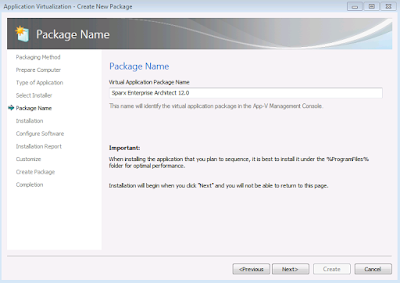
Type the name of the virtual package as Sparx Enterprise Architect 13.5.


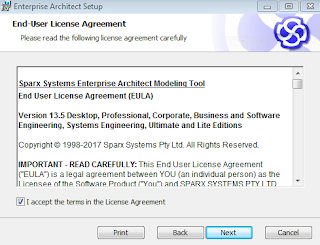
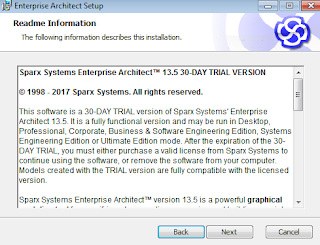
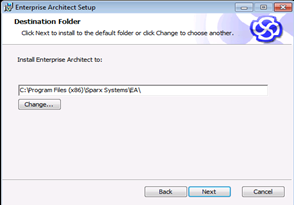
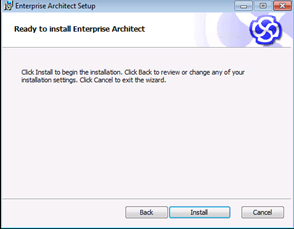
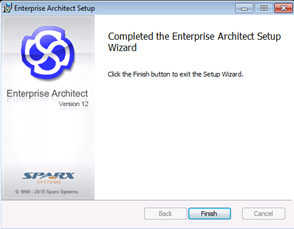
Click Next and Install the application.
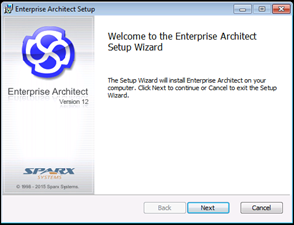


Remove the desktop shortcut. Select I am finished Installing.
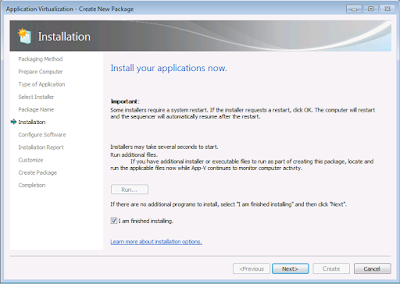


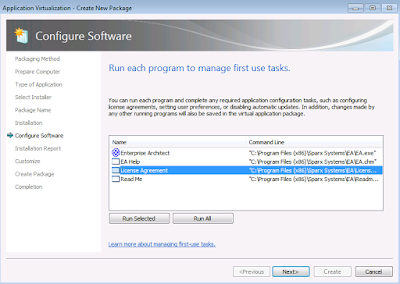
If you need to do any post install configuration like adding new registration key,Launch the shortcut “Enterprise Architect” and do it here.Once done click Next.
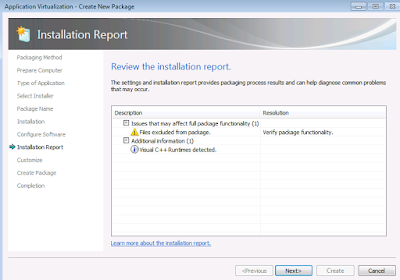


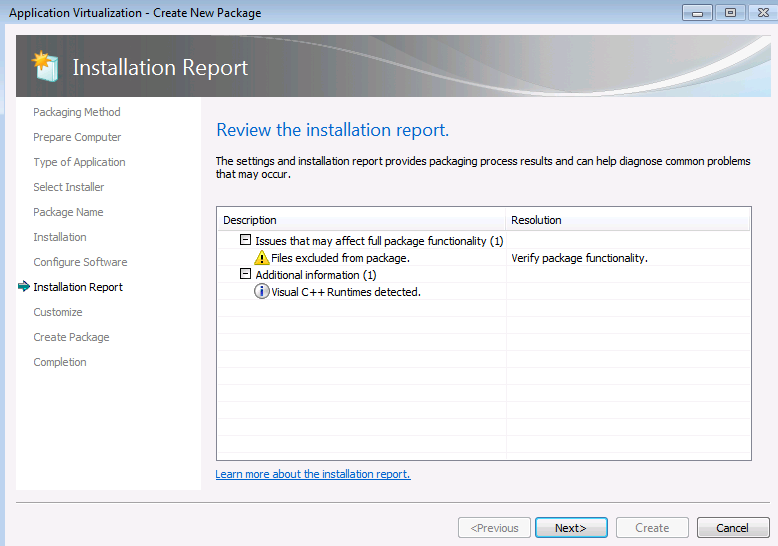
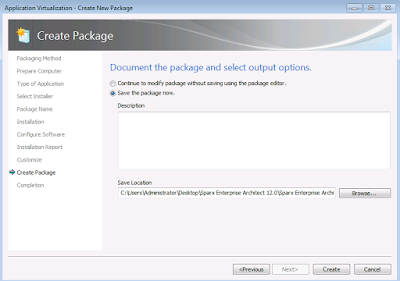
Click Next and save the Package.


Publish and test the sequenced package in  the latest windows 10 environment.

Tuesday, June 20, 2017

App-V Sequencer 5.x cannot sequence apps with filenames "CO_x" (Error 0x8007139F). But it is possible !!

Recently I came across the App-V technical document stating that

"The App-V 5.x Sequencer cannot sequence applications with filenames matching "CO_<x>" where x is any numeral. Error 0x8007139F will be generated."

https://docs.microsoft.com/en-us/microsoft-desktop-optimization-pack/appv-v5/creating-and-managing-app-v-51-virtualized-applications


https://github.com/Microsoft/windows-itpro-docs/blob/master/windows/application-management/app-v/appv-release-notes-for-appv-for-windows.md


So I ran a quick test to confirm on the same.I used App-V 5.1 sequencer and App-V 5.1.86 client for testing.

During monitoring phase, I created a New folder in desktop for convenience.I then created 3 new files with different extensions (CO_123, CO_456.txt, CO_897.dll) and then proceeded stopping the monitoring phase. I was expecting that sequencer will throw an error or fail as mentioned in the Microsoft technical document. To my surprise sequencer completed without any issues. I was able to see the files in Package Files tab in the sequencer package editor.


To confirm, I also published the test package in a standalone machine and saw those files getting reflected.

UPDATE 6/22/2017: One of my friend Roy Essers had a query asking whether this happens when sequenced to PVAD. Since I didn't test this scenario in PVAD, I quickly ran a test by enabling the sequencer with -EnablePVADControl and gave c:\program files\CO as PVAD folder.


In that folder I then created the below files.


After creating I stopped the monitoring and sequencer didn't show any error even this time. It successfully created the package. Even in client testing it got succeeded.


So to finalize, App-V 5.1 Sequencer can sequence apps with filenames having "CO_<x>" without any issues. This is just a experimental test scenario and if anyone have faced the issue having CO_<x> in their package while sequencing, kindly comment below about the application. I will be happy to validate it further and update this blog post.

Sunday, April 9, 2017

Windows 10 v1703 - Auto App-V unpublished package clean up

Earlier when we unpublish App-V packages it used to stay in the App-V cache location  and used to occupy unwanted storage space on the client machines. If we want to remove them to free up space we need to  do manual removal or using powershell command Remove-AppVClientpackage

With the release of the new windows 10 creators update v1703 App-V client provides options to automatically cleanup the unpublished packages.It requires restart.

This option can be enabled either by PowerShell or group policy or Registry.

PowerShell:


Open PowerShell as administrator and run the below code.

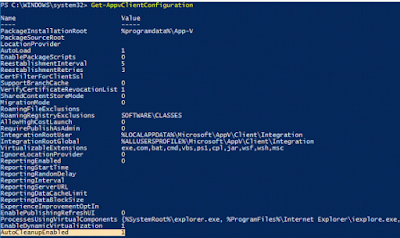
Set-AppvClientConfiguration -AutoCleanupEnabled 1


Run the below code to get the status.

Get-AppvClientConfiguration


Group Policy:

Go to Administrative Templates-System-App-V-PackageManagement-Enable automatic cleanup of unused appv packages and select enabled.

Registry:

HKLM\SOFTWARE\Microsoft\AppV\Client\PackageManagement
AutoCleanupEnabled 
REG_DWORD 1

Finally Microsoft have provided the much awaited feature to its users.

Friday, February 17, 2017

Remove all unpublished apps to clear package cache

Often I see queries related to clearing leftover package files after unpublishing them. And so here is a sample powershell code to remove all unpublished packages from the system to clear the space they were occupying in the package store.


$allpackages= Get-AppvClientPackage -all|Where-Object {$_.IsPublishedToUser -like "False" -and $_.IsPublishedGlobally -like "False"} | select Name

 $unpublished=$allpackages.name

 ForEach($package in $unpublished)

 {

Write-Host "$package"

Remove-AppvClientPackage "$package"

Write-Host "$package" removed.

 }

NOTE: Test the code in a lab environment, as it doesn't support any error handling.